The idea of “marketing automation” can seem both exciting and incredibly complex. You know it’s the secret weapon successful businesses use to scale, but the thought of building complex flowcharts and technical rules can be intimidating. What if you make a mistake? What if it’s too complicated to even start?
This guide is here to demystify the entire process. We’re going to pull back the curtain on marketing automation and show you just how simple and powerful it can be. Together, we’ll walk through creating your very first automated workflow in Brevo, step-by-step. By the time you’re done, you’ll not only have an active, lead-nurturing machine working for your business 24/7, but you’ll also understand the core principles to build any workflow you can imagine in the future.
What is Marketing Automation? (A 60-Second Refresher)
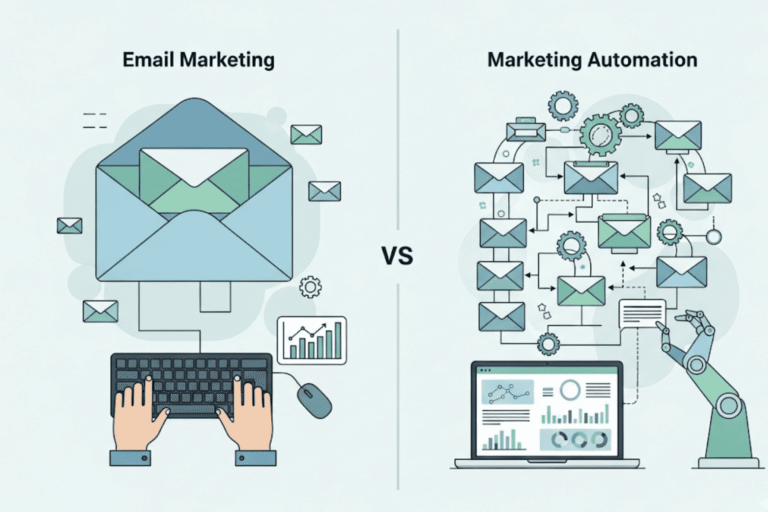
In simple terms, marketing automation is like putting your most repetitive marketing tasks on autopilot. It’s a way to automatically send the right message, to the right person, at exactly the right time, based on their actions.
Think about it like a smart assistant for your business. When a new person subscribes to your list, this assistant instantly sends them a warm welcome email. When a customer buys a product, it follows up a week later to ask for a review. This saves you an enormous amount of time, ensures no lead ever falls through the cracks, and helps you build stronger relationships with your audience at scale.
Understanding the Building Blocks: Triggers, Actions, & Delays
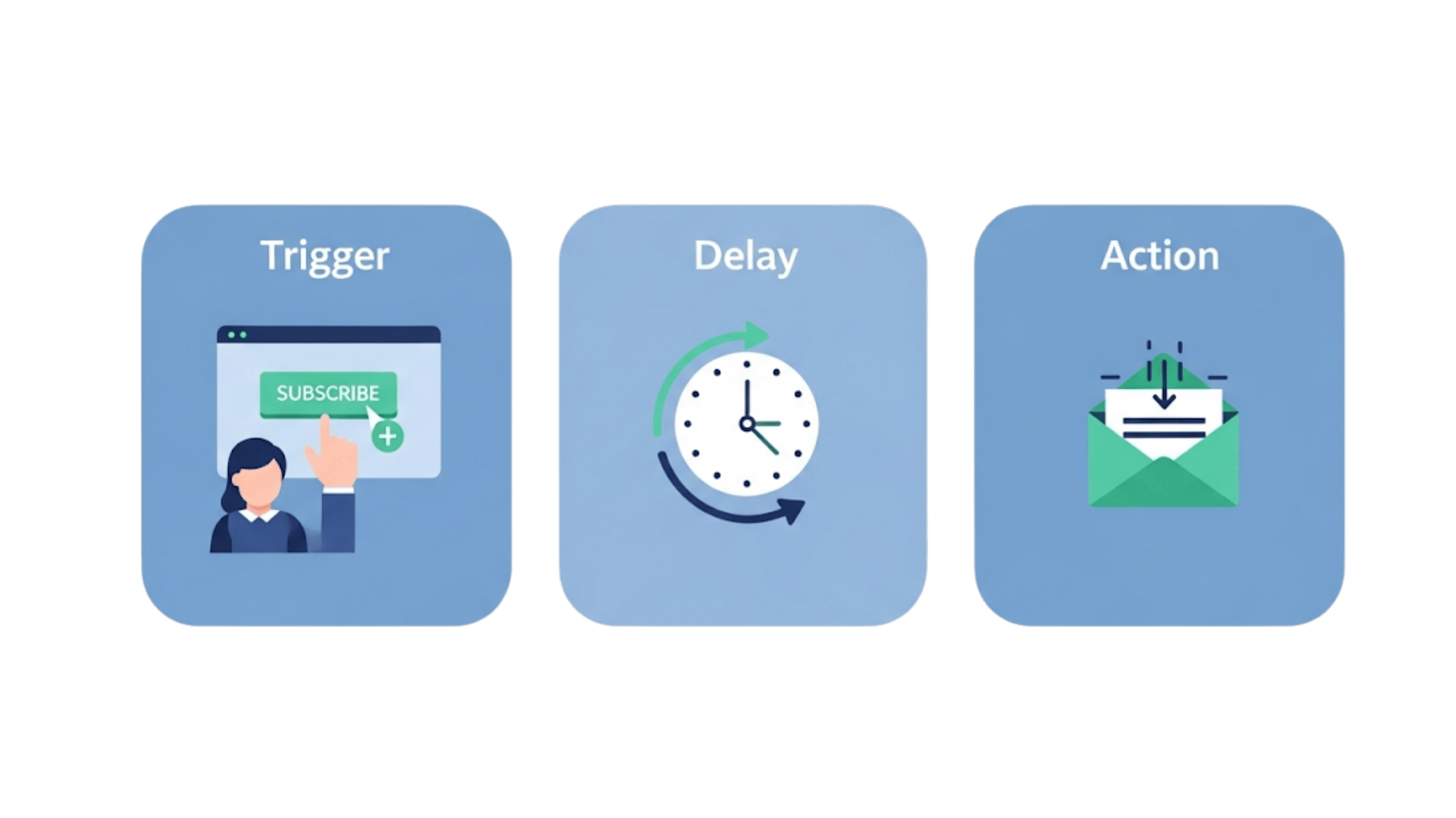
Every workflow in Brevo, from the simplest to the most advanced, is built using three basic components. Once you understand these, you can build anything.
- Triggers: This is the starting point—the “if this happens…” event that kicks off your automation. A common trigger is when a person subscribes to one of your email lists.
- Actions: This is the “…then do that” part of the equation. The most common action is to send an email, but it could also be adding the contact to a new list or updating their information in your CRM.
- Delays: This is simply the “wait for…” step. You can tell Brevo to wait for a specific amount of time (like 2 days) before moving on to the next action in the sequence.
Your First Workflow: Building a Classic Welcome Email Series
Let’s build the most essential automation for any business: a series of welcome emails that new subscribers receive automatically.
Step 1: Choosing the “Welcome Message” Workflow Template
From your Brevo dashboard, navigate to the “Automation” section. Brevo provides several helpful templates to get you started. Click “Create a workflow” and then select the “Welcome Message” template.
Step 2: Selecting Your Entry Point (The Trigger)
The template will automatically pre-select the most common trigger: “A contact is added to a list.” Your job is to simply choose which of your email lists should start this automation. When someone joins this list (for example, through a sign-up form on your website), the workflow will begin for them.
Step 3: Adding Your First Action (Send an Email)
The template will have a pre-built structure. It starts with a short delay (e.g., “Wait 2 minutes”) to ensure the welcome email feels natural. After the delay, you’ll see an action called “Send an email.” Click on it to select the first welcome email you want to send. You can design this email just like a regular campaign using Brevo’s easy-to-use editor.
Step 4: Building Out the Sequence
A single welcome email is good, but a series is better. To add a second email, click the little “+” icon below your first email action. First, add a “Delay” (for example, “Wait 2 Days”). Then, add another “Send an email” action and choose your second email. You can repeat this process to build a sequence of 3, 4, or even more emails that nurture your new subscriber over time.
Step 5: Activating and Testing Your Workflow
Before you unleash your automation, it’s crucial to test it. In the top right corner, you can use the “Test your workflow” feature by entering your email address. This will run you through the sequence so you can see if it works as expected. Once you’re confident, click “Activate the workflow.” That’s it! Your automation is now live.
3 Simple Workflow Recipes You Can Build Today
Now that you’re comfortable with the basics, here are three simple but incredibly powerful “recipes” you can implement.
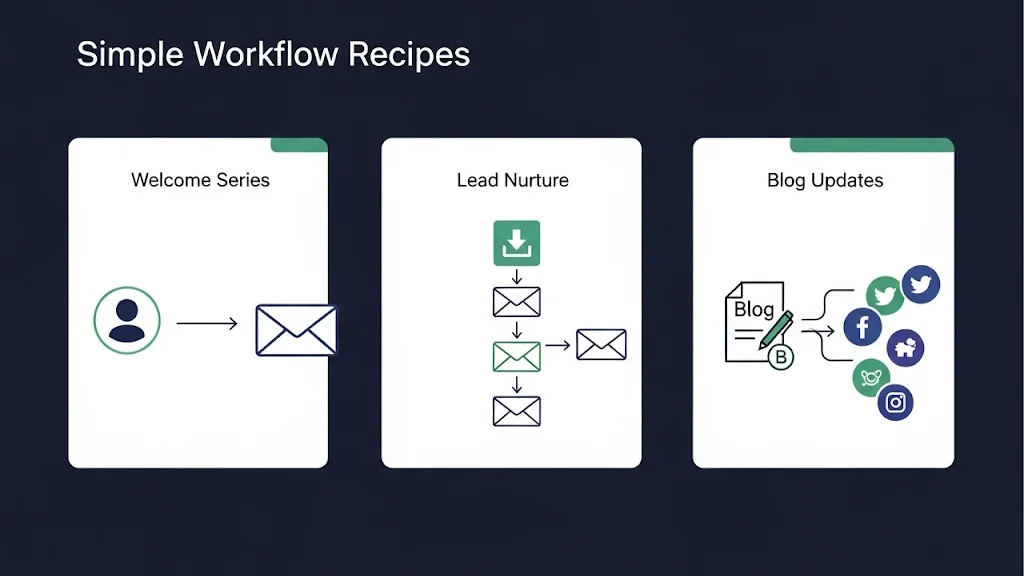
- The Welcome Series (Recap): The workflow we just built. It onboards new subscribers and sets the stage for a great relationship.
- The Simple Lead Nurture: Trigger this workflow when someone fills out a form to download a free guide or checklist. The email sequence can then deliver the guide and follow up with related, valuable content over the next week.
- The Blog Subscriber Update: Create a workflow that triggers when you send a campaign to your main “blog updates” list. You can set it to automatically share that same campaign on your social media channels, saving you a manual step every time you publish.
Best Practices for Effective Automation
As you build more workflows, keep these expert tips in mind to ensure your automations are effective and manageable.
- Start Simple: Don’t try to build a massive, 50-step workflow on your first day. Start with simple 2-3 step automations, prove that they work, and then build on them over time.
- Use Clear Naming Conventions: Give your workflows descriptive names (e.g., “Welcome Series – New Subscribers”). This will save you major headaches later when you have dozens of automations running.
- Always Test Your Logic: Use the testing feature for every workflow you build. It’s the best way to catch small mistakes before your audience does.
Conclusion: You’ve Now Mastered Brevo Automation Basics
Congratulations! By following this guide, you’ve learned how to confidently navigate the Brevo automation builder and have created your first lead-nurturing machine. This is the key to scaling your marketing, saving you time, and ensuring every single lead gets the attention they deserve. You now have the foundational knowledge to build any workflow you need to grow your business.
Ready to put your marketing on autopilot? Start building your own powerful workflows in Brevo today.
Common Questions:
1. Is marketing automation available on the Brevo free plan? Yes, Brevo generously includes Marketing Automation in its free plan for up to 2,000 contacts. This allows you to build powerful workflows like welcome series and lead nurturing sequences without any initial investment, which is a major advantage for new businesses.
2. Can automation be used for more than just sending emails? Absolutely. While sending emails is a primary function, you can also use Brevo’s automation to perform other tasks, such as adding a contact to a different list, updating contact information in your CRM, or even sending SMS messages if you have that feature enabled.
3. How many emails should be in a welcome series? For a beginner, a series of 3 to 5 emails is a perfect starting point. This gives you enough touchpoints to introduce your brand, provide value, and guide new subscribers toward a specific action without overwhelming them.
4. What happens if a contact unsubscribes during a workflow? If a contact unsubscribes from your list, Brevo’s system is smart enough to automatically remove them from any active or future email workflows associated with that list. This ensures you remain compliant and only communicate with an engaged audience.
5. How do I know if my automation is working? Brevo provides real-time statistics for each workflow. From the “Automation” dashboard, you can see how many contacts have entered and completed the workflow, as well as the open and click rates for each individual email within the sequence.

Hey, I’m Mubashir Hassan! As an SEO expert and content writer, I’ve spent years in the trenches of digital marketing, helping businesses get seen and heard online. I’ve learned that success isn’t just about using the right tools; it’s about having the right strategy. My goal is to share the practical, data-driven insights you need to create content that not only ranks but also converts. With deep experience in platforms like Brevo, MailerLite, and Hubspot. I’m excited to help you build a marketing engine that delivers real results.